
Hello Hivers and Star Wars Community. I'm a huge Star Wars fan. I got to know of this amazing Star Wars community yesterday and I just had to create an awesome animated gif of Star Wars. It was stressful but it was worth it. Take a look.
How I Created This Awesome Star Wars Animation
I used Adobe After Effects to create this awesome animation. I used a plugin called Saber to create this awesome Neon effect. It was very tasking but I'm glad it looks cool. What do you think about the animation, share your thoughts in the comment section below. Let's jump into the process of how I created this Star Wars animation.
First, I opened my Adobe After Effects. I opened a new composition. I set my time duration for 10 secs. Most importantly I used a black background, because the background color you choose, will be the background color for the animation.
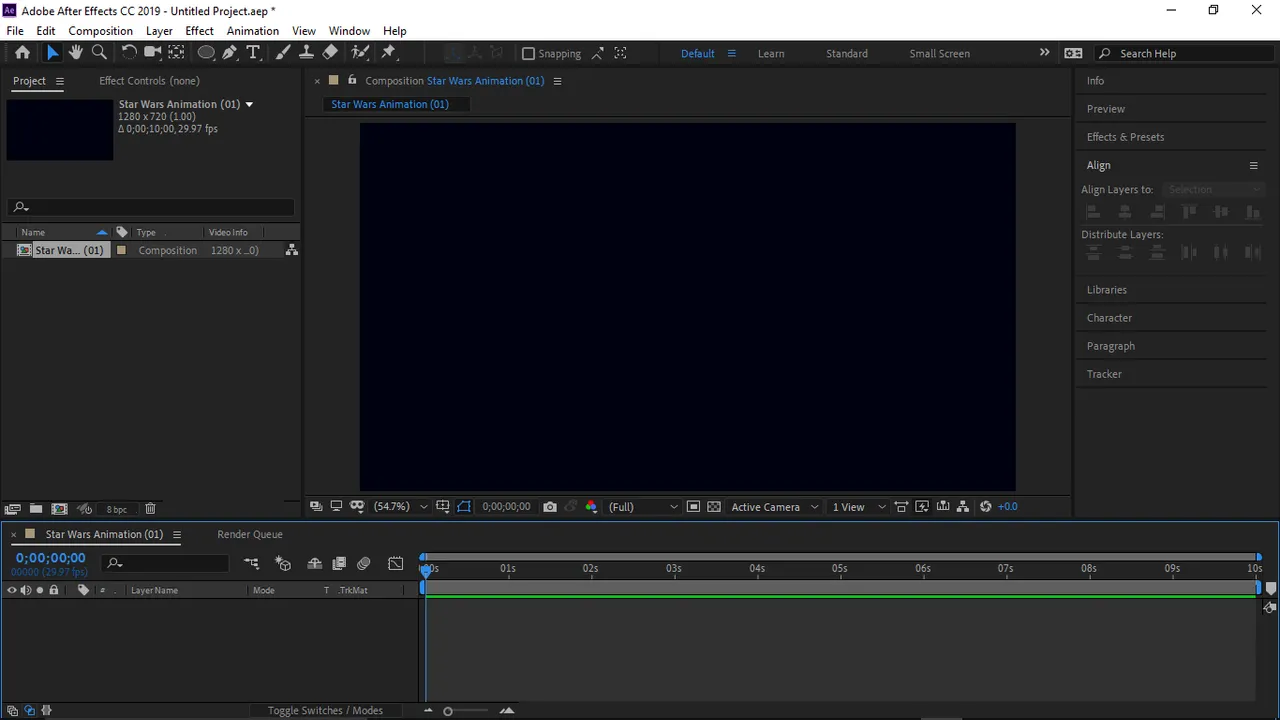
Next, I created a Solid layer. You are permitted to choose an color, because it's completely insignificant.
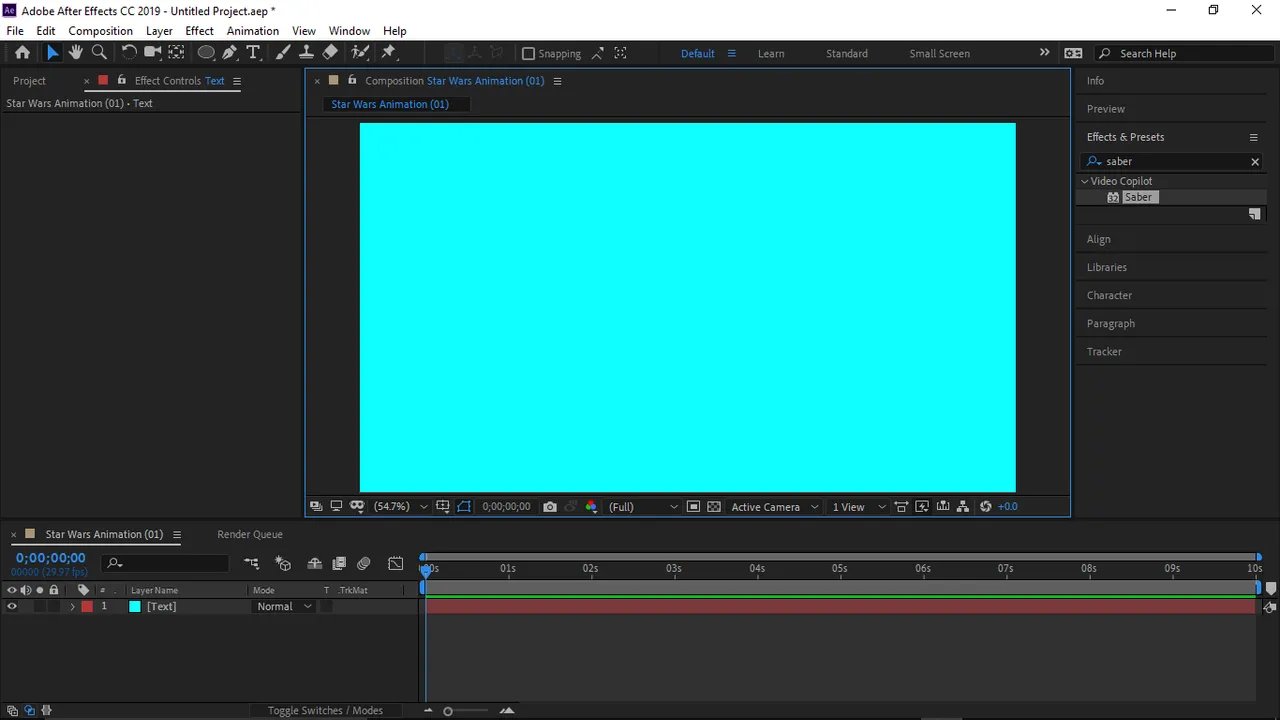
Next, I went to Effects and Presets section and then searched for Saber effects and added the Saber effects to the composition.
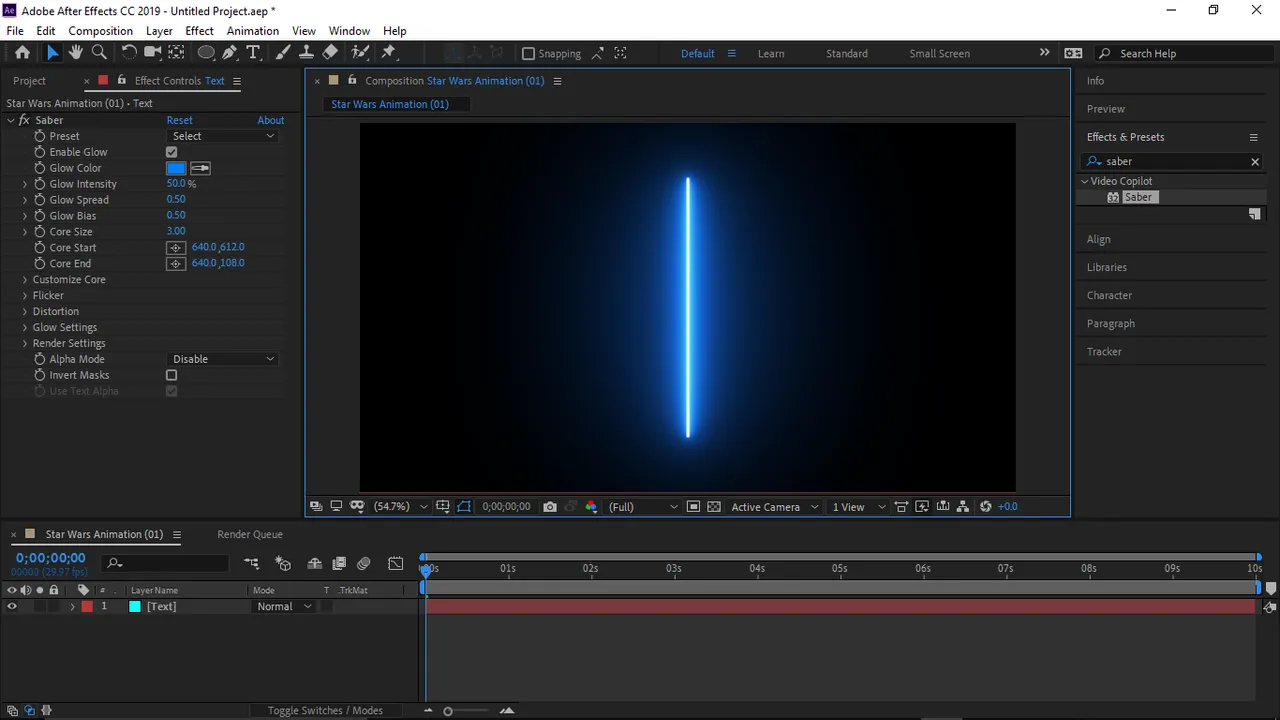
Next, I added the Star Wars text layer. I used the Trebuchet MS fonts, with 170 px for the size. I aligned my text to center and middle so it will be placed perfectly at the middle and center of the animation.
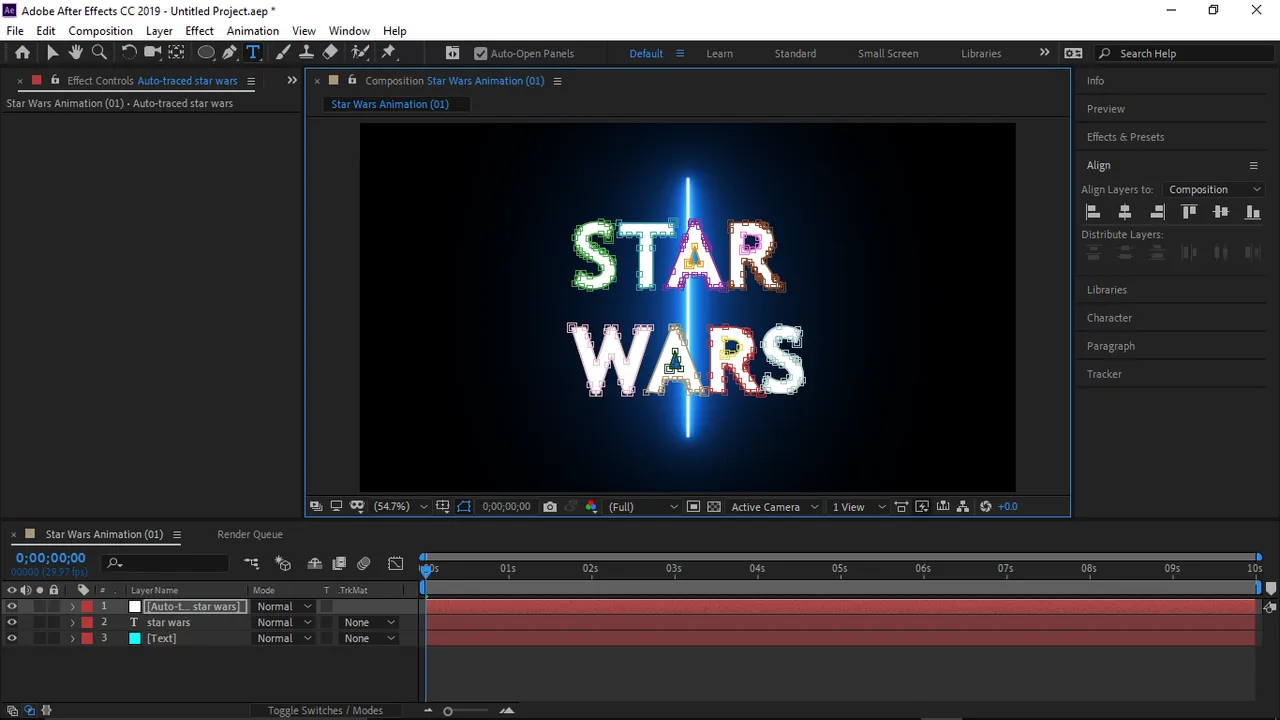
I selected the Star Wars text layer and auto traced it. This process created a new layer which is known as the Auto-Trace layer.
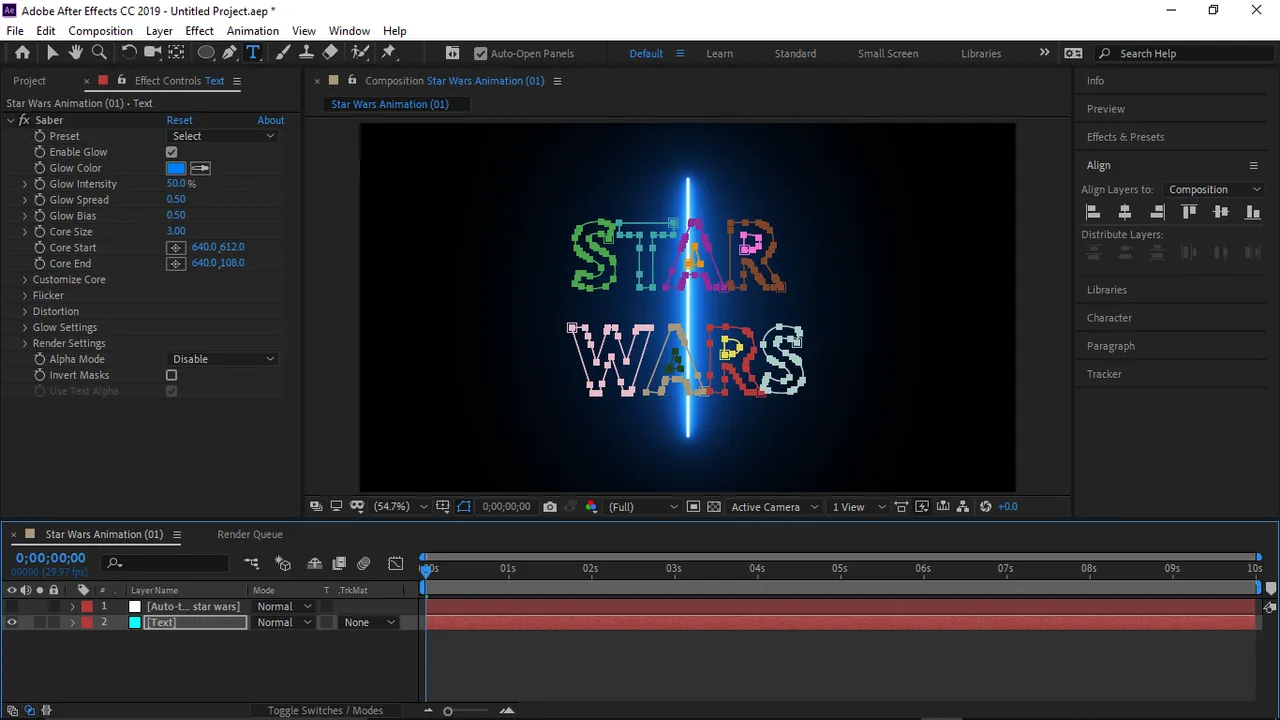
I deleted the Star Wars text layer as its no longer useful to me. I then selected the Auto-Trace layer, copied all the items in it's mask layer and pasted it to my solid layer which I first created at the beginning.

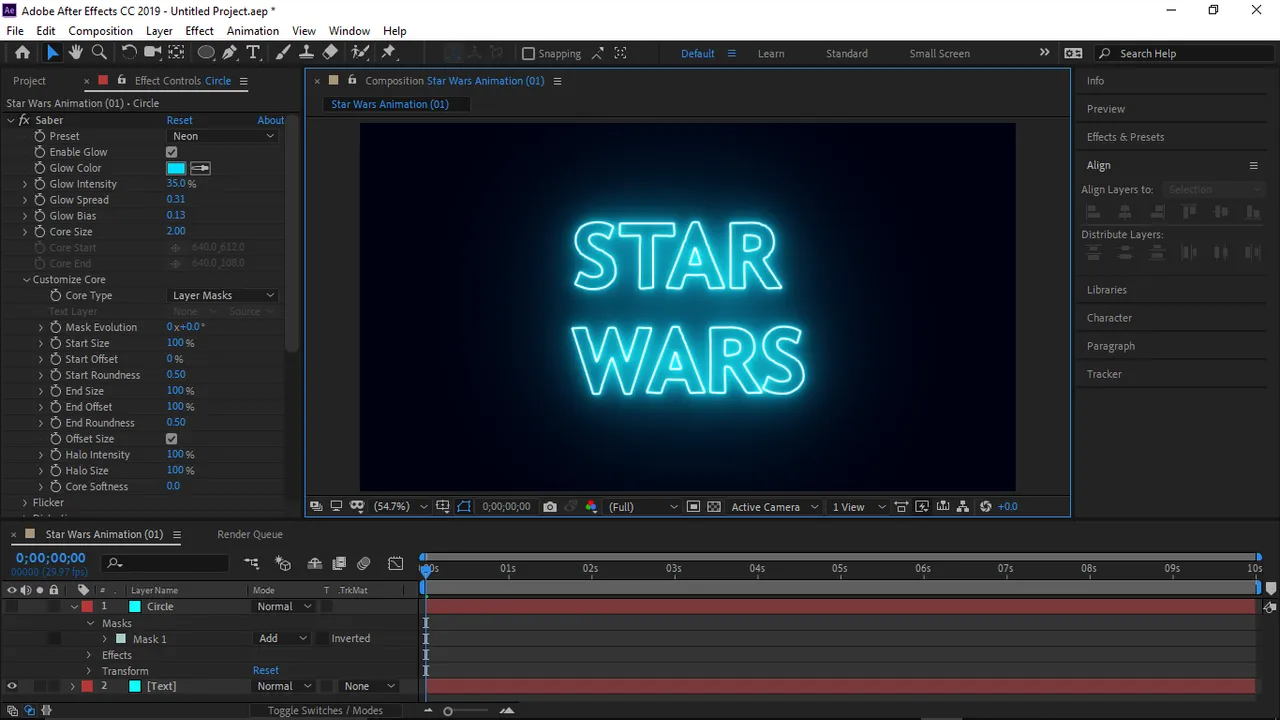
The Auto-Trace layer is no longer useful, so I deleted it. As at this point I started tweaking the Saber Effects to meet what I want. After some minutes of tweaking, I was satisfied with this 👇.
Just creating this design, wasn't good enough, so I sat down I thought for some minutes, and a circle idea popped up. So I added a circle to wrap the Star Wars text.
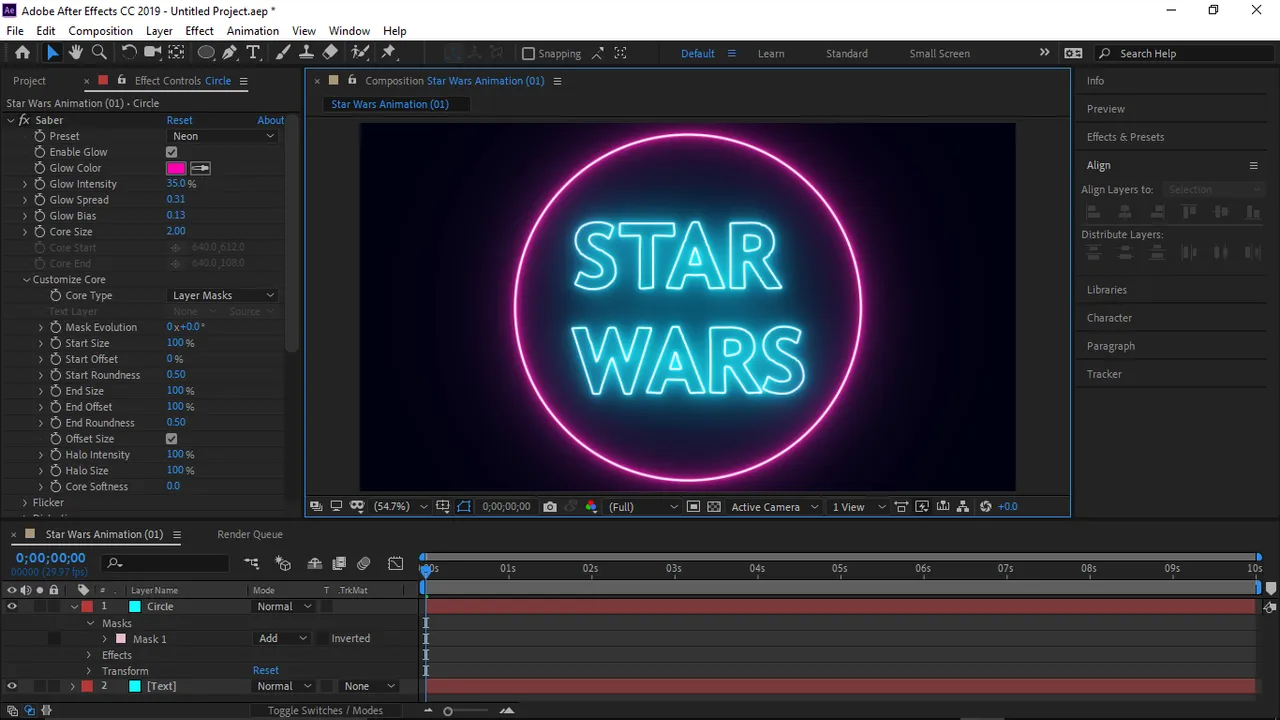
Yeah, I was satisfied with design, now comes the animation process.
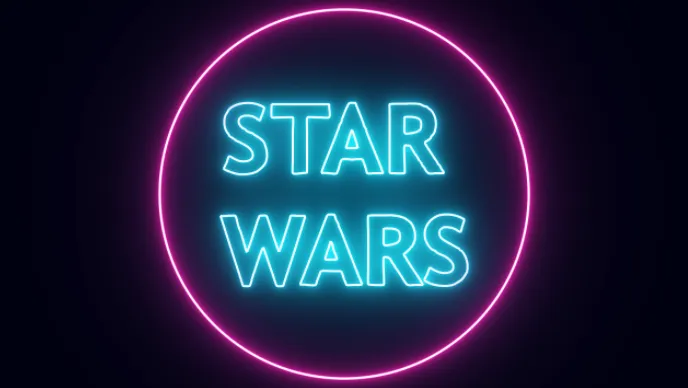
The animation process was very tasking, but after close to an hour of trying out different animations, I came out with this. I allowed to the Star Wars text to come in gradually and as soon as it has been revealed, the circle will wrap the texts. That wasn't the end, I had to convert the avi format (which after effects will render your videos in) to mp4 format. Then I converted the mp4 format to gif, and Bam!!! I got this awesome Stars Animated Gif.
I hope you like this animation. This Star Wars Animated GIF is free for reuse to members of The Star Wars Community.