
The previous post about the script is archived and i can't edit anymore. Here are the updates:
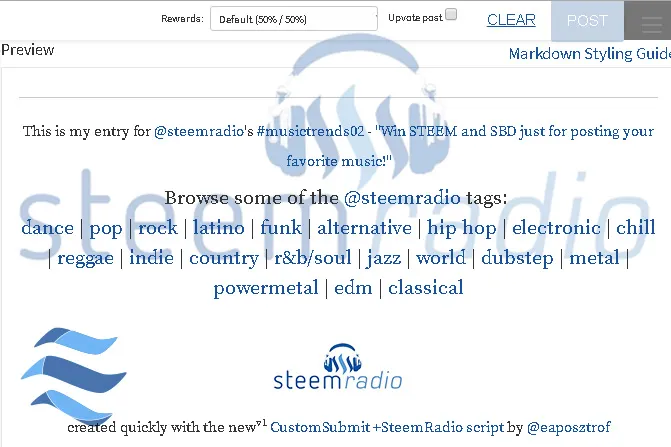
I was nominating the Hipster - Miki Solus @mikisolus music video from @soundlegion's Steemit Music Artist Compilation Volume 1 to @steemradio's #musictrends02 where you can Win STEEM and SBD just for posting your favorite music! with my  ❤ Steem it! BookMarklet presented in this post.
SteemRadio Custom Script
This custom script make lot easier to participate in the weekly music posting contest on @steemradio where you can Win STEEM & SBD just for posting your favorite music!
Step by step guide comparison
| . | just the SteemRadio | with the Steem it! BookMarklet |
|---|---|---|
| 1 | Install 1st script | Install 2nd script and bookmarklet |
| 2 | search for content | search for content |
| 3 | "Submit a Story" | click on the bookmarklet |
| 4 | Add Title | AutoTitle, just delete unnecessary |
| 5 | Paste URL | click on "Paste Content" |
| 6 | Add contest description | just press [enter] |
| 7 | Add necessary tags 1by1 | Click on genre tag |
| 8 | scroll for preview | live preview |
| 9 | check for errors | no errors |
| 10 | enjoy | many more features... |
- Custom Script Install instructions here
- More about Steem it! BookMarklet

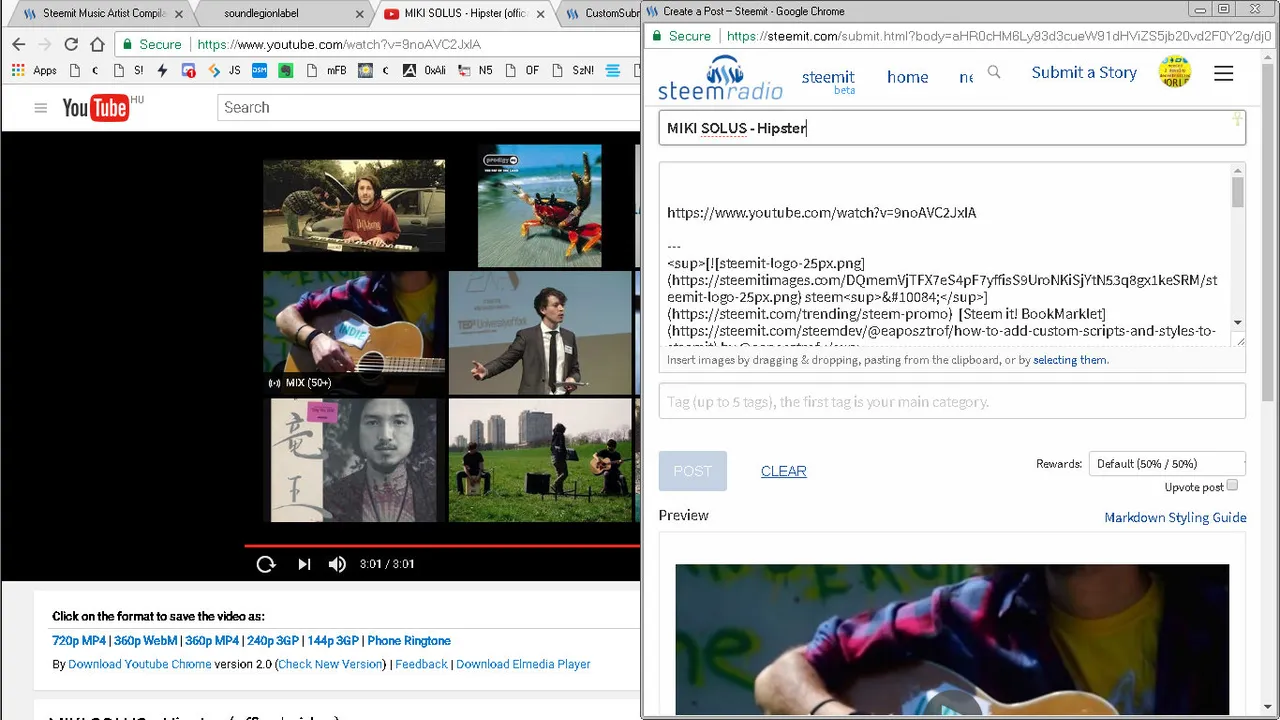
SteemRadio Usage
- Prepare to Submit a Story with just the ARTIST - SONG in title
- Click on the steemradio logo in the menu on the upper-right corner, this will add the required texts and codes to the post.
- Press [⏎](Enter) to finalize and add new line, where you can paste the URL of the Music
- write your thoughts, feelings, experiences or even your art related with this music
- Scroll down and click on the genre to add all of the necessary tags to the post
- And type one more tag, or just press a keyboard, then you can use the [Post] button. Enjoy!
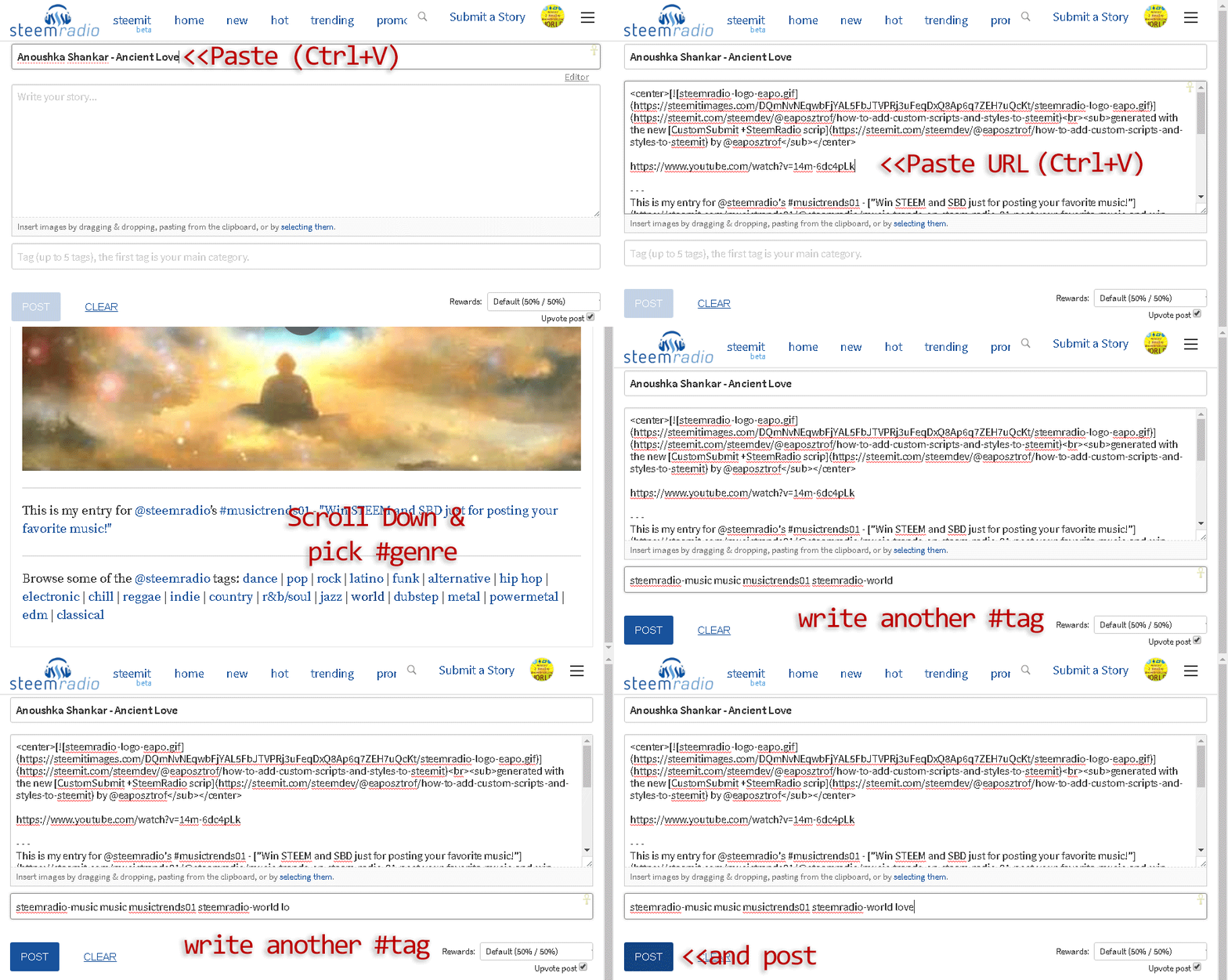
SteemRadio +Steem it! BookMarklet Usage
- Click on the Bookmarklet on your favorite video page
- Clear everything from the prompt
- Delete unnecessary details from the auto-generated Title
- Open the menu upper-right corner and select the SteemitRadio logo
- Press [enter] to accept content (if disappear before [enter] just repeat this step)
- Now select the Paste Content from the menu
- Press [enter] again to accept content (if disappear before [enter] just repeat this step)
- Click on the desired genre tag and
- invite more people to $upvote and participate ;)
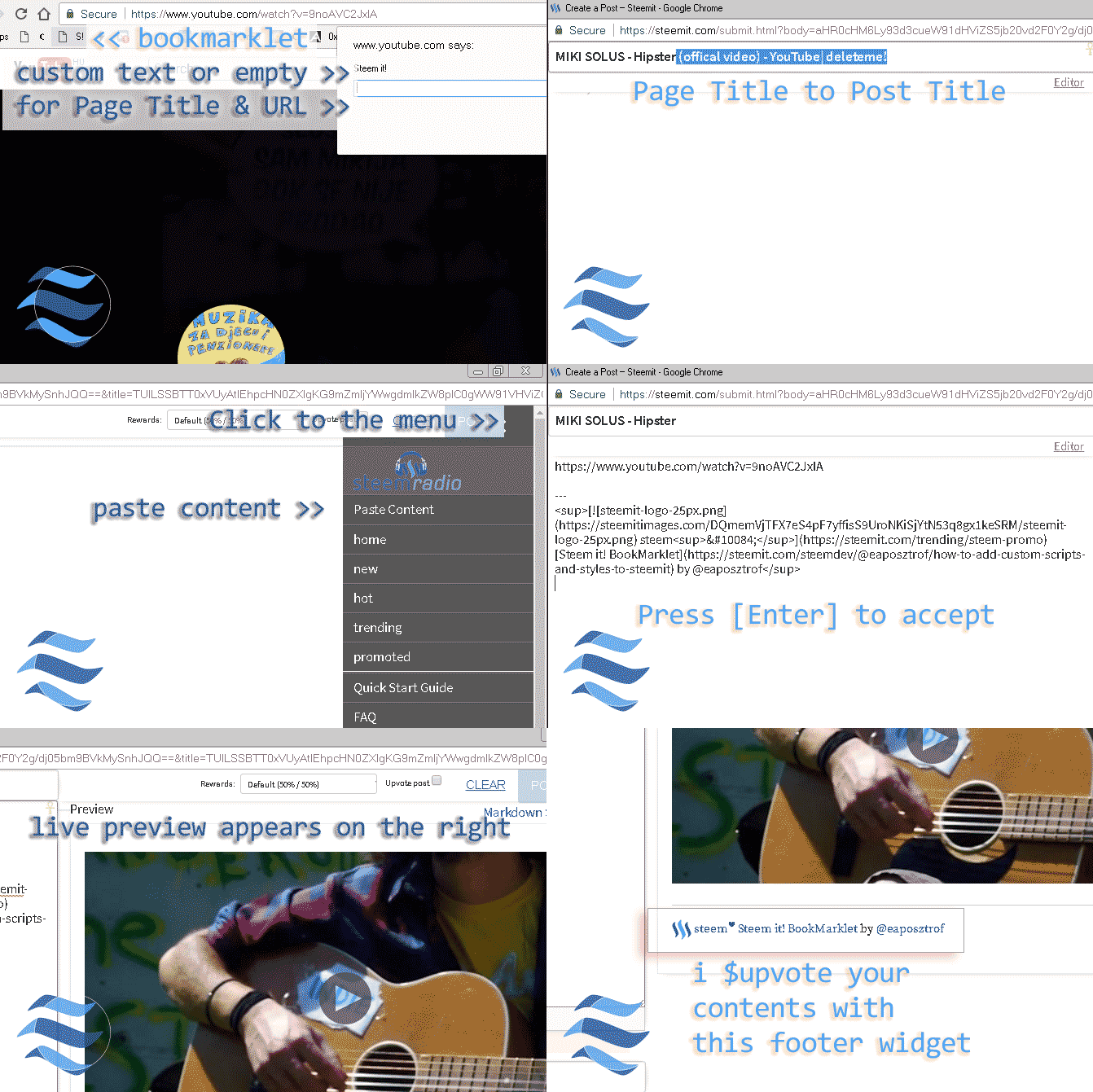
You can vote on my entry here: Hipster - Miki Solus @mikisolus
Enjoy the Vibes!
 | bring some whales | tipping SBD | transfer STEEM | bid for $upvote | send crypto BitcoinWallet